Made from your photo
Make Emoji Mosaic from Photos
Build an emoji mosaic from landscapes, objects, and everyday scenes.
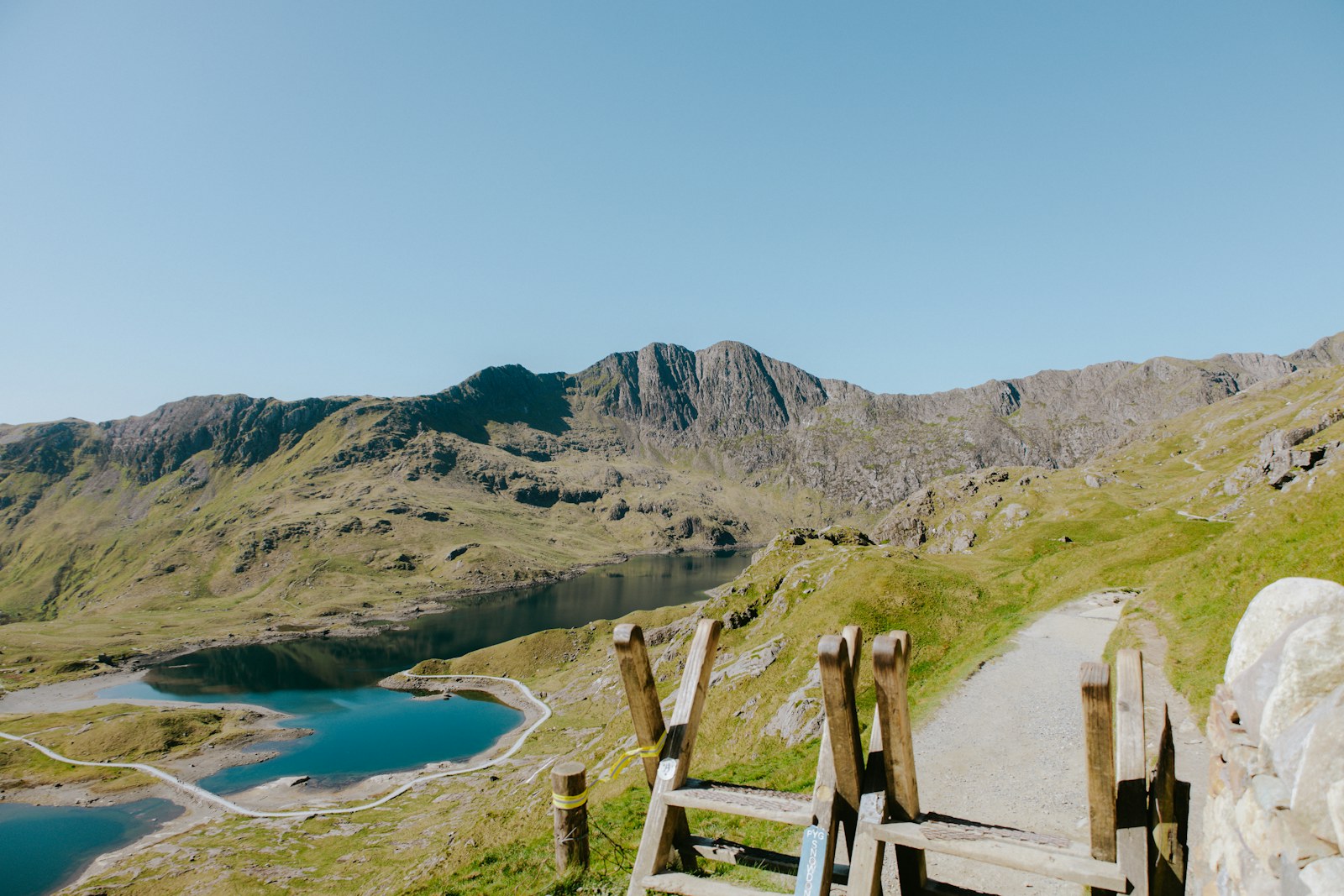
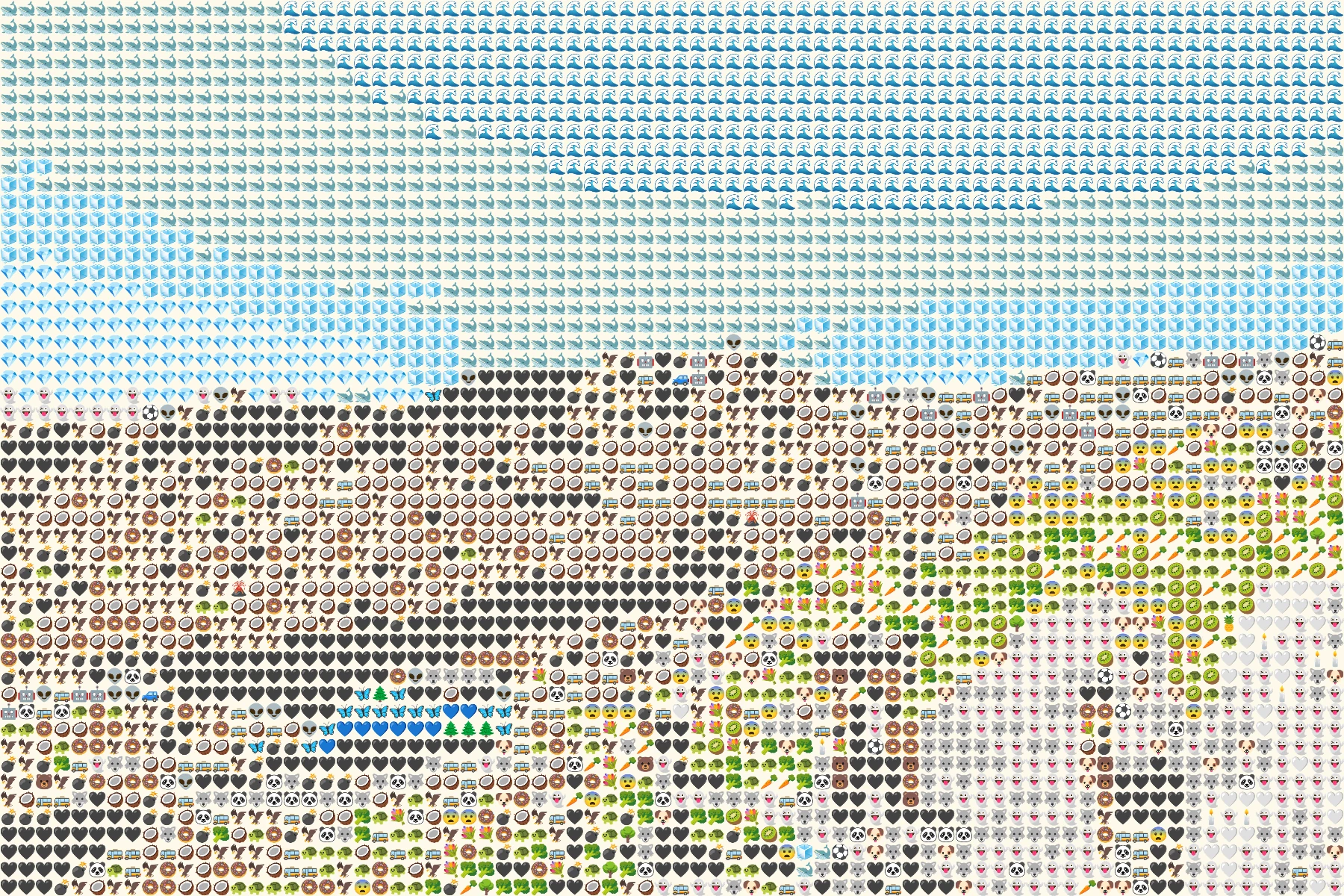
Mosaic works beyond faces. Broad areas of sky, water, architecture, or bright objects become fields of small symbols. This page keeps the photo's original proportions so a wide scene stays wide.
 OriginalEmoji art
Create your own
Make it yours
Choose a photo and make emoji art right in your browser.
No photo? Try one of these.
JPG, PNG, WebP · Max 10 MB · No photo upload
Your result
PNG · No watermarkStyle
No watermark. Saved directly from your browser.
Sample before and after
OriginalEmoji artSee the preset in action
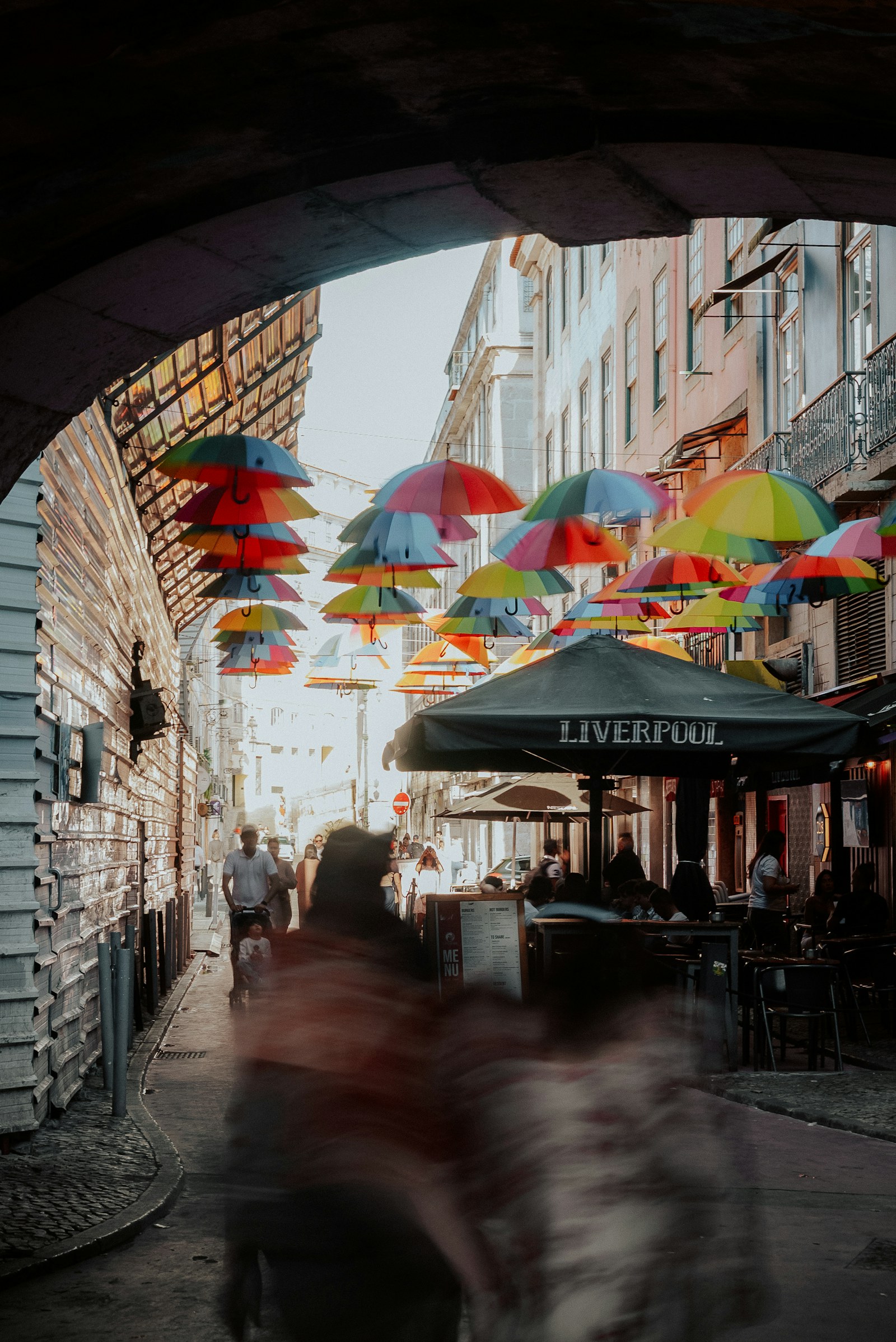
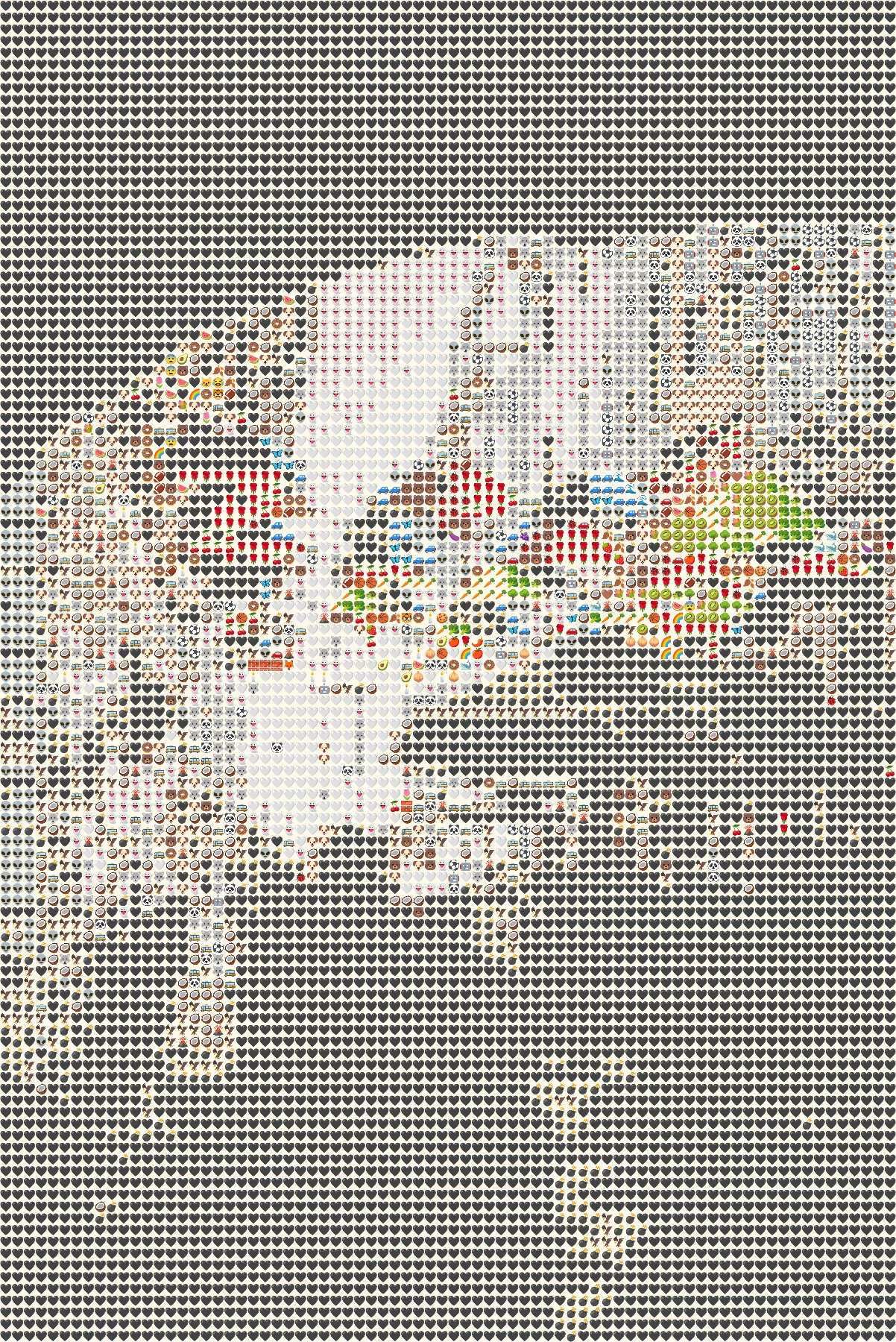
The same renderer interprets a quiet landscape and a busy street in different ways.
OriginalEmoji artLarge regions of blue and green stay readable in a regular grid.
 Original
 Emoji art
Umbrellas and street detail create more color changes between tiles.
How it works
- 1Choose a photo
Use a JPG, PNG or WebP file up to 10 MB, or try one of our samples.
- 2Shape the mosaic
Switch between Grid, Texture and Chart, then set the amount of detail.
- 3Save your PNG
Compare it with the original and download your finished image.
Photo tips for this style
A few small choices can make the subject easier to recognize.
- Choose a scene with a clear foreground and background instead of many equally small objects.
- Grid gives the steadiest silhouette; Texture feels looser, while Chart emphasizes the tile map.
- If a busy background competes with your subject, lower detail to simplify it.
Frequently Asked Questions
Is Chart a data chart?
No. Chart adds a colored square and fine outline behind each emoji to reveal the mosaic structure.
Do landscape photos get cropped?
No. This preset preserves the photo's original aspect ratio.
Which style shows the clearest shape?
Grid is the most regular. Chart can help with complex scenes because the background colors reinforce each sampled block.