Made from your photo
Turn Your Selfie Into Emoji Art
Make a square emoji portrait that still looks like you at profile size.
Selfies work best when the face fills most of the frame and daylight falls evenly across it. This preset keeps the whole shot inside a square canvas and starts at detail 4, balancing recognizable features with an unmistakable emoji pattern.
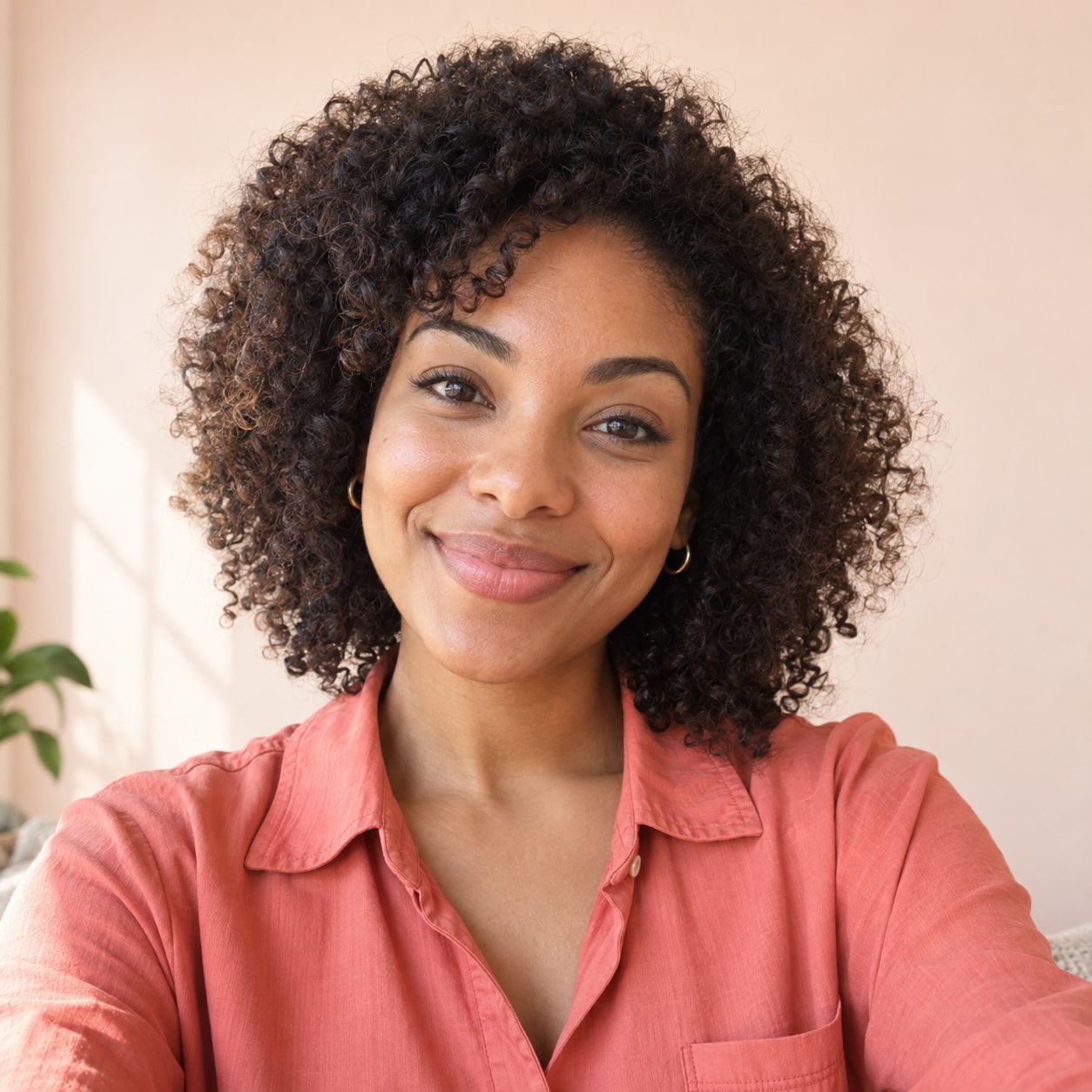
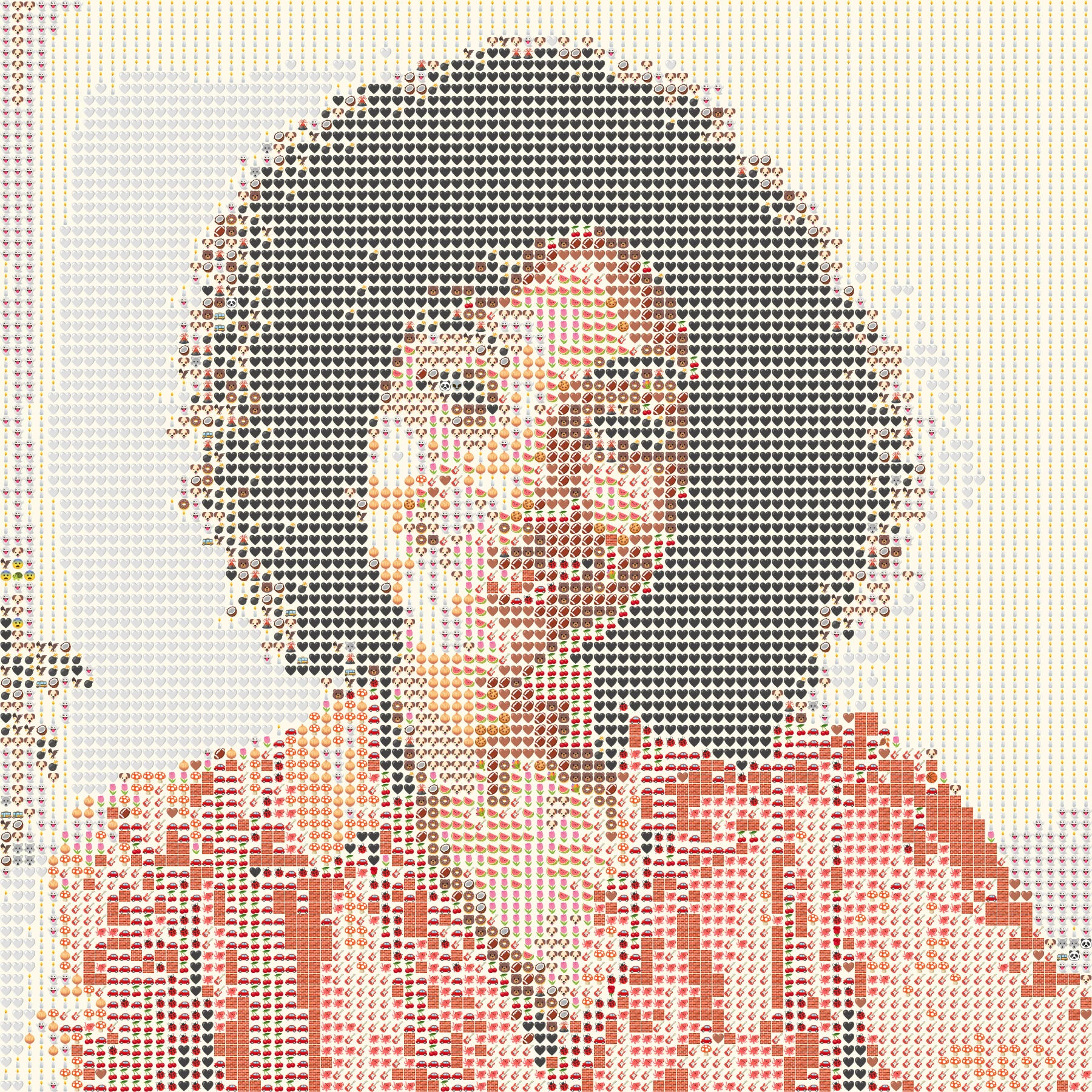 OriginalEmoji art
Create your own
Make it yours
Choose a photo and make emoji art right in your browser.
No photo? Try one of these.
JPG, PNG, WebP · Max 10 MB · No photo upload
Your result
PNG · No watermarkStyle
No watermark. Saved directly from your browser.
Sample before and after
OriginalEmoji artSee the preset in action
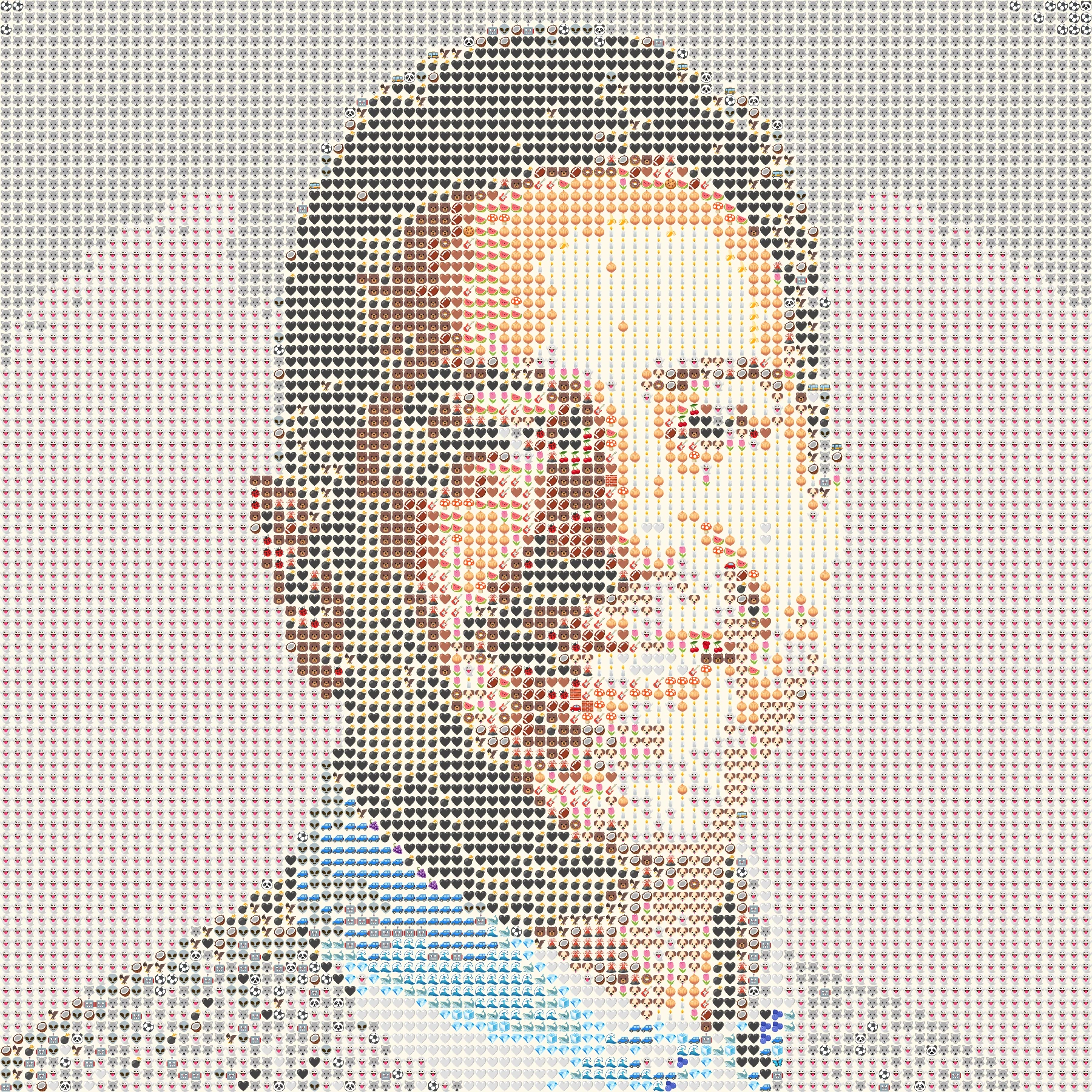
Two phone-style portraits show how a square frame handles different backgrounds and skin tones.
OriginalEmoji artThe eyes and smile remain the anchor at detail 4.
 Original
 Emoji art
The preset preserves the full frame instead of cropping into the forehead or chin.
How it works
- 1Choose a photo
Use a JPG, PNG or WebP file up to 10 MB, or try one of our samples.
- 2Shape the mosaic
Switch between Grid, Texture and Chart, then set the amount of detail.
- 3Save your PNG
Compare it with the original and download your finished image.
Photo tips for this style
A few small choices can make the subject easier to recognize.
- Face the camera or turn only slightly so both eyes remain visible.
- Leave a little room above your head before the square fit adds cream-colored side space.
- At avatar size, compare detail 3 and 4; very fine tiles can merge together when shrunk.
Frequently Asked Questions
Will the square crop cut off my face?
No. The full photo fits inside the square. Empty space is filled with a cream color.
Which detail setting is best for a profile picture?
Try detail 3 or 4, then check the preview at a small size. More tiles are not always clearer in a tiny avatar.
Can I use a group selfie?
You can, but individual faces may need the higher detail setting. For two people, the couple preset gives a taller frame.