Made from your photo
Emoji Pet Portrait Maker
Give your cat or dog a square portrait made of tiny emojis.
Pet photos rely on a few small landmarks: the eyes, nose, ears, and edge of the fur. The square Grid preset starts at detail 4 to keep those features visible while fitting the whole animal into the frame.
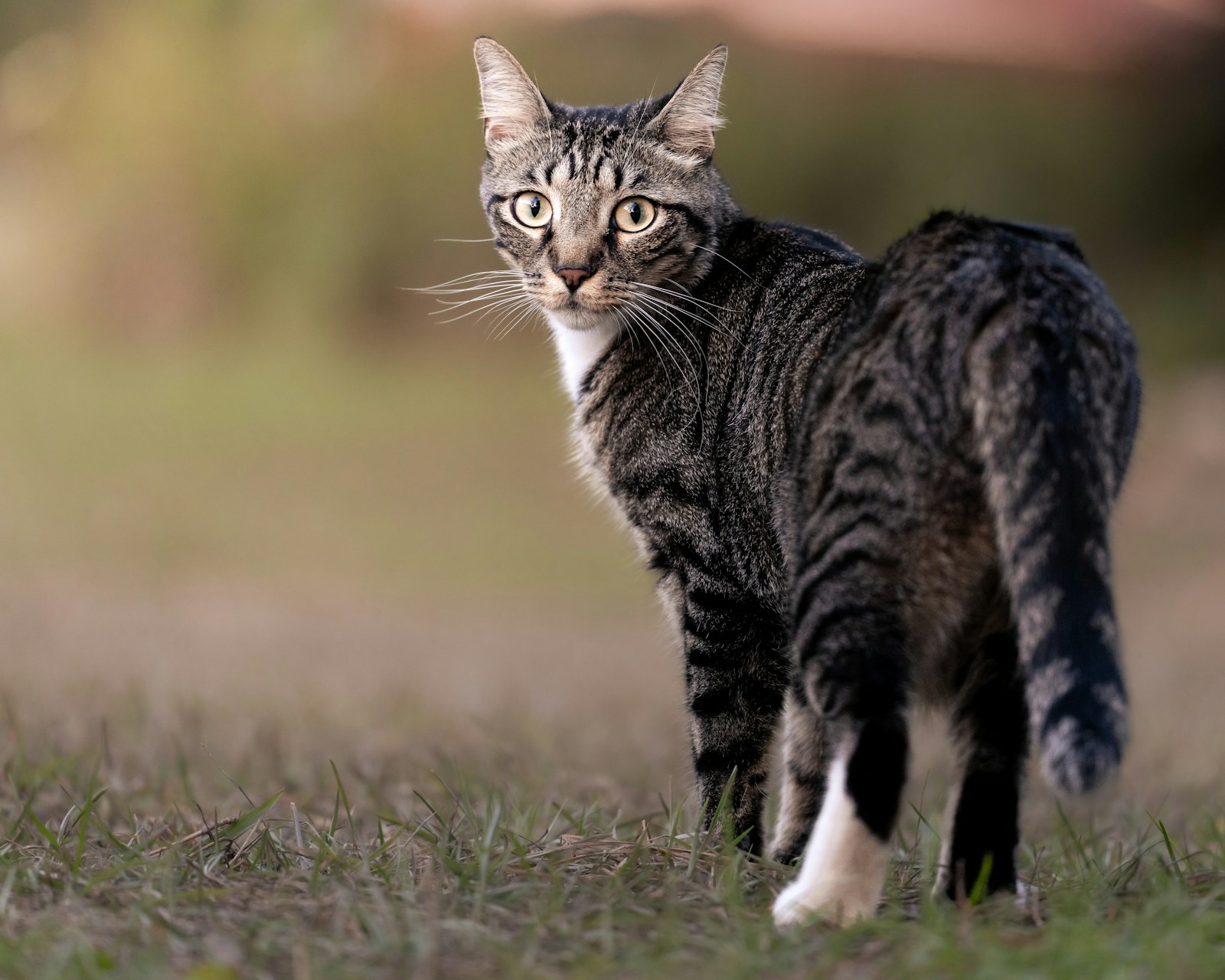
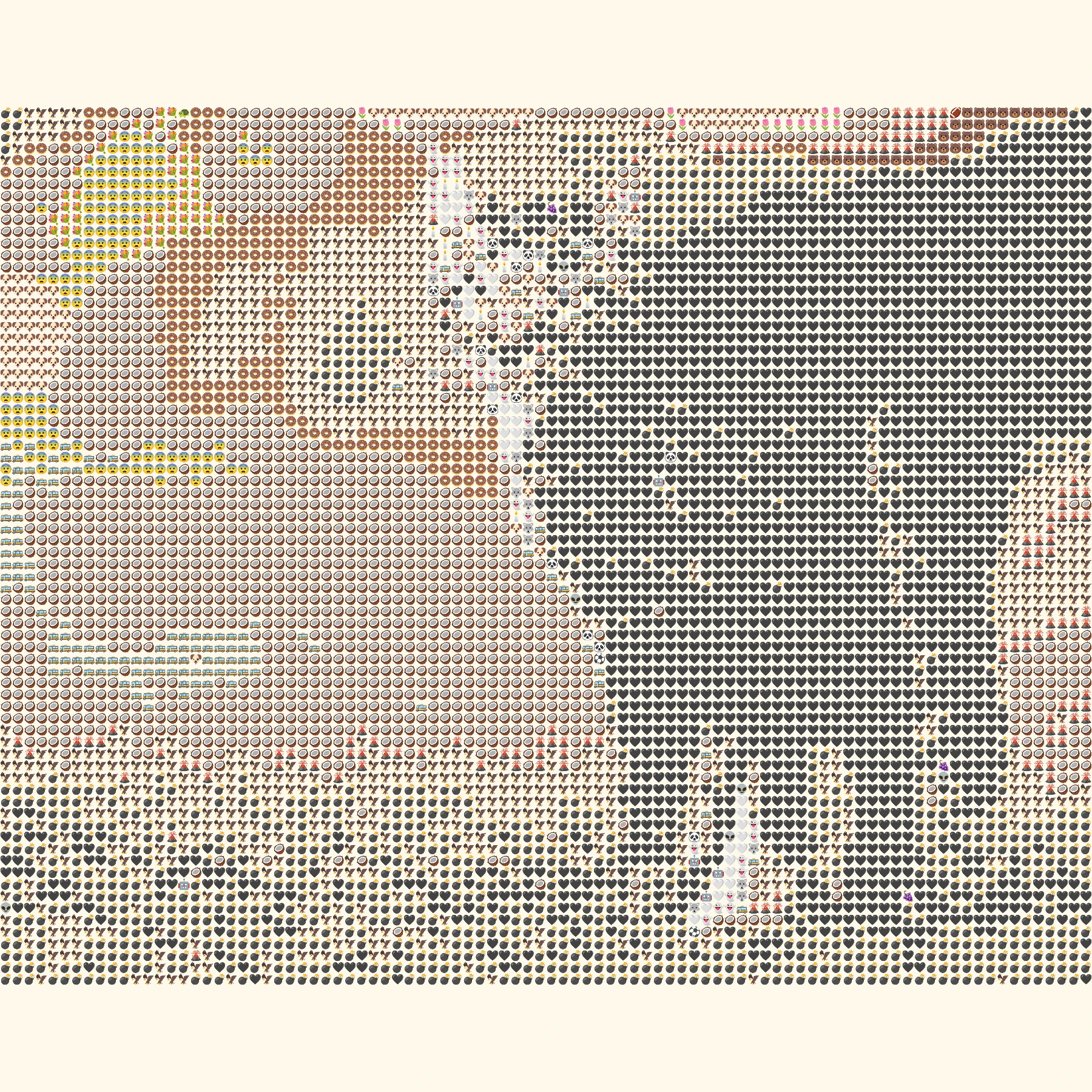 OriginalEmoji art
Create your own
Make it yours
Choose a photo and make emoji art right in your browser.
No photo? Try one of these.
JPG, PNG, WebP · Max 10 MB · No photo upload
Your result
PNG · No watermarkStyle
No watermark. Saved directly from your browser.
Sample before and after
OriginalEmoji artSee the preset in action
A cat and a dog show how different fur colors and face shapes translate into emoji tiles.
OriginalEmoji artEar shape and eyes give this portrait its character.
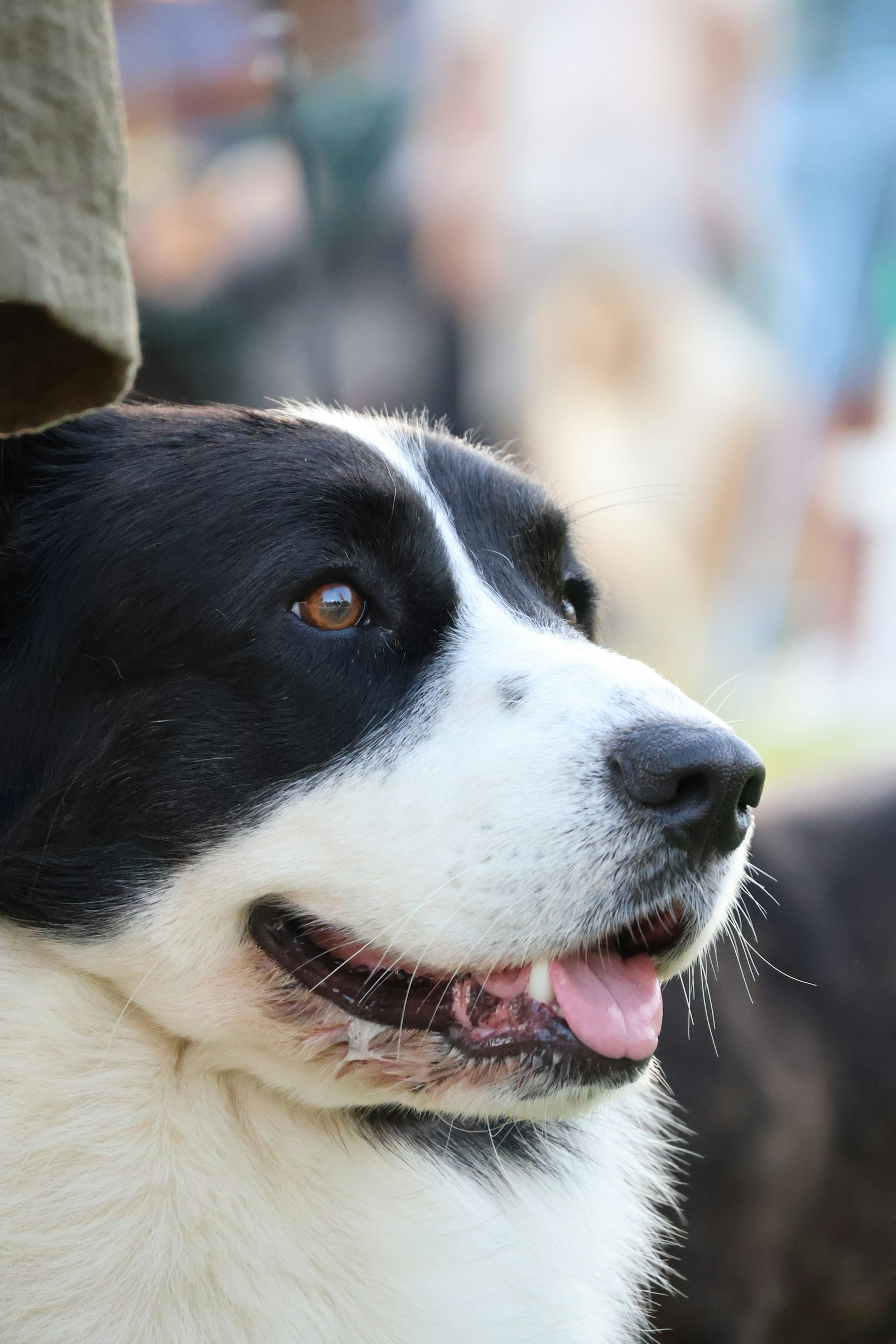 Original
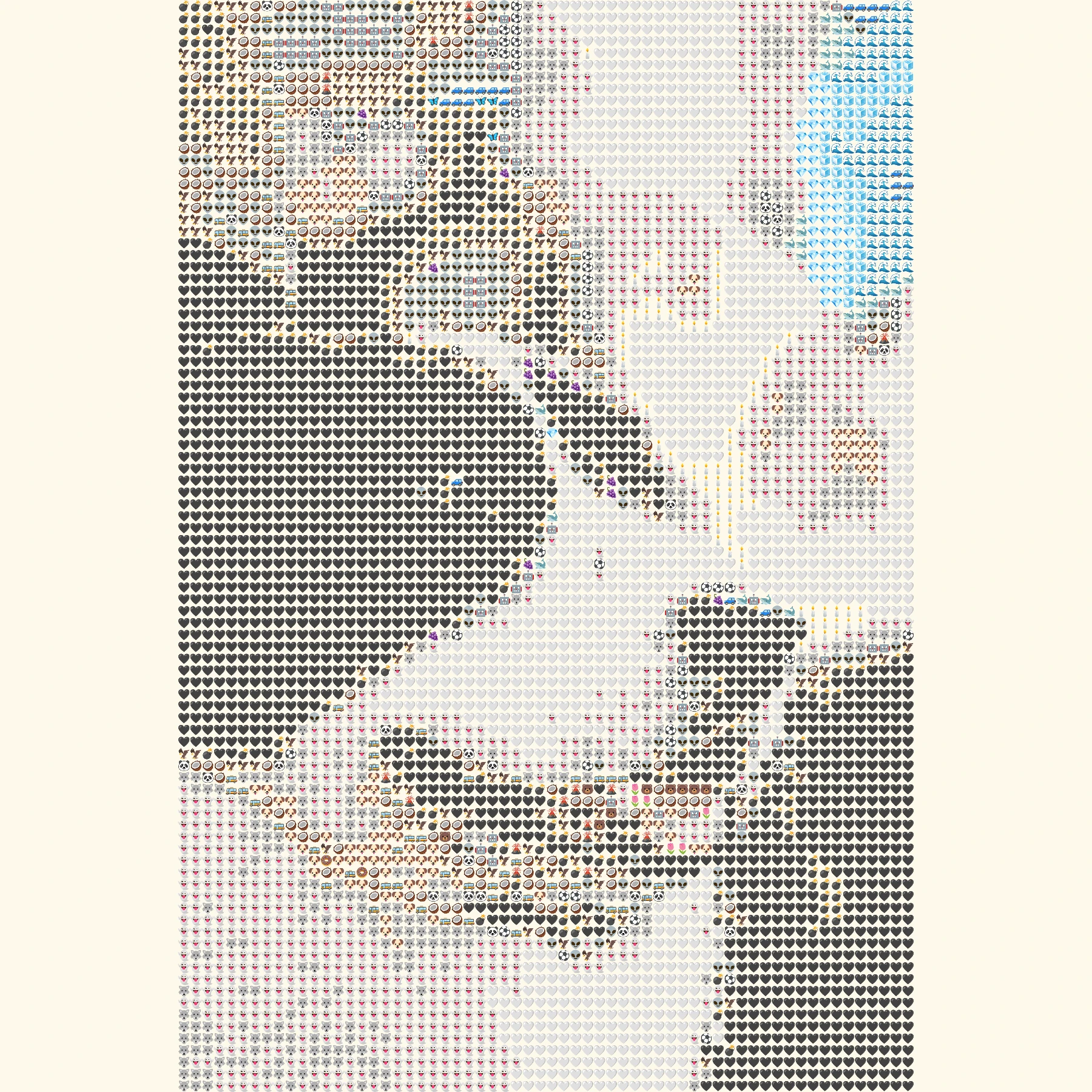 Emoji art
High contrast fur creates a distinct, graphic face.
How it works
- 1Choose a photo
Use a JPG, PNG or WebP file up to 10 MB, or try one of our samples.
- 2Shape the mosaic
Switch between Grid, Texture and Chart, then set the amount of detail.
- 3Save your PNG
Compare it with the original and download your finished image.
Photo tips for this style
A few small choices can make the subject easier to recognize.
- Bring the camera near eye level and keep both eyes sharp.
- Separate dark fur from a dark background with side light or a lighter wall.
- Leave a little room around ears and whiskers; the square fit does not crop them.
Frequently Asked Questions
Will my pet's ears be cropped?
No. The photo is fitted inside the square, with cream-colored space where needed.
My pet is mostly dark. What should I try?
A brighter source photo or Chart style can add separation between fur and background.
Can I use a photo with two pets?
Yes, although each face will use fewer tiles. Try detail 5 if both animals are small in the frame.